Building playful systems to teach tech skills to 2+ million learners.
Role: Senior Product Designer, Design Engineering, Art Direction
Company: Codédex
Timeline: 2024 - present
Platform: Desktop and mobile web
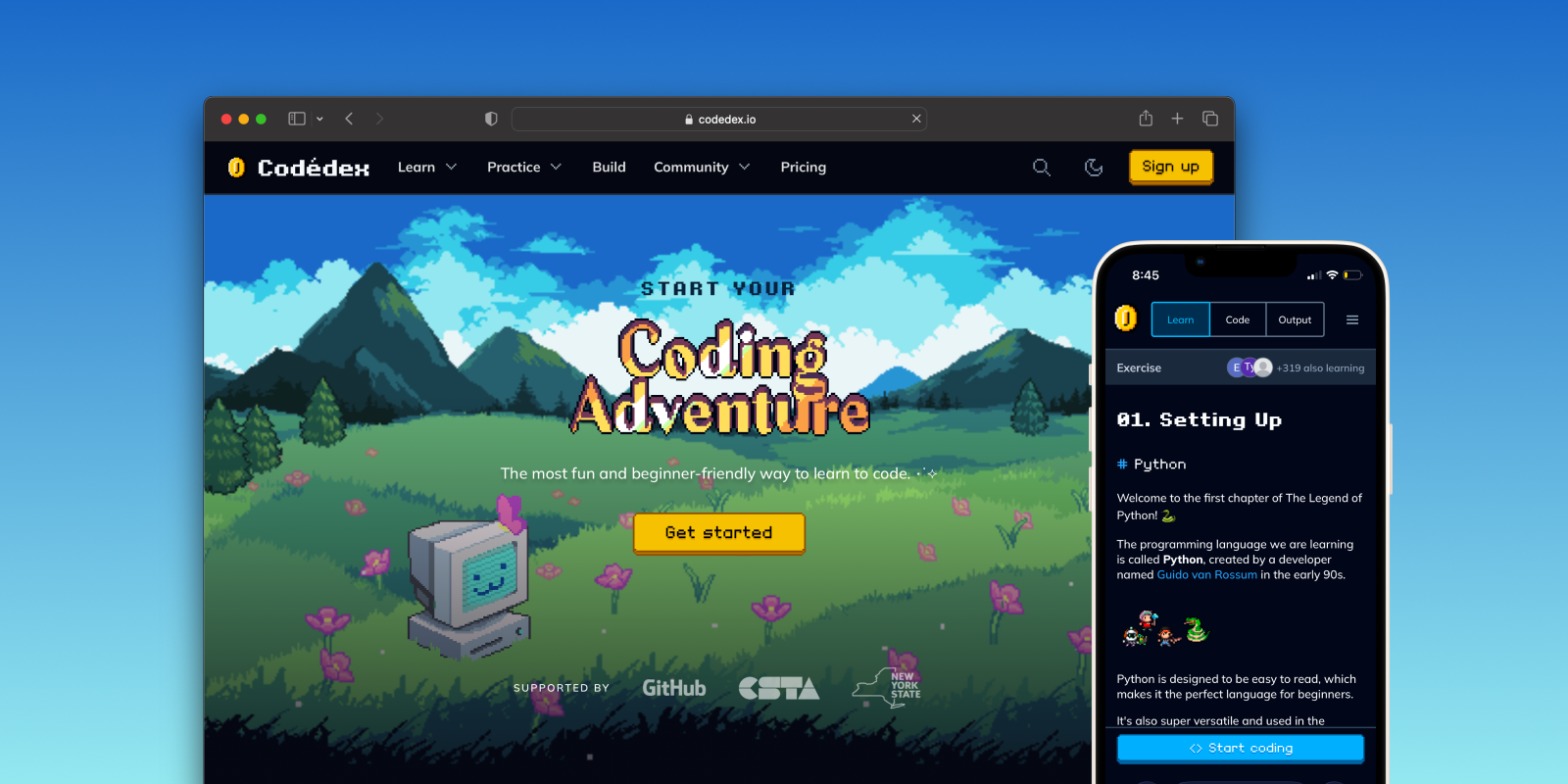
Since 2024, I've led design and co-led product strategy at Codédex, an early-stage startup that makes learning to code feel as fun and easy as playing an RPG.
As the first design hire on a team of <10, I've focused on building foundational, scalable systems—design systems for rapid shipping, content systems for quality learning experiences, and AI systems to address critical bottlenecks.
Together, we've transformed a scrappy MVP with just 150K users into an learning platform loved by a community of 2 million (and counting).
Go to CodédexCodédex before Design
Before I joined, Codédex was built without a dedicated designer and was pieced together by our founder, engineers, volunteers, and Fiverr artists.
My first task was a site audit of major UX issues and design debt:
- No design system: Engineers built everything without one, slowing development and creating inconsistencies
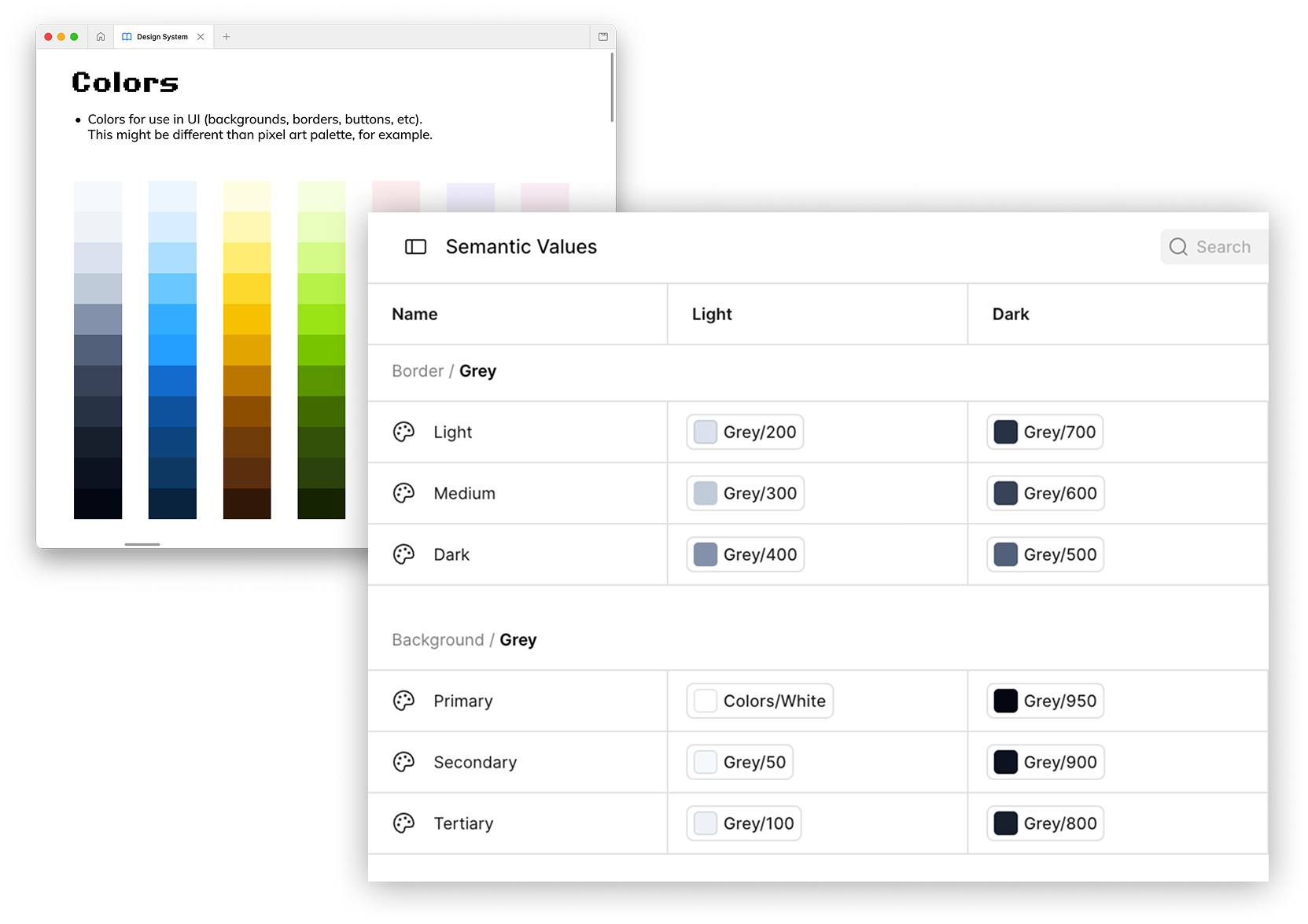
- Accessibility issues: Without a considered color system, there was often poor contrast and unreadable text across Light/Dark modes
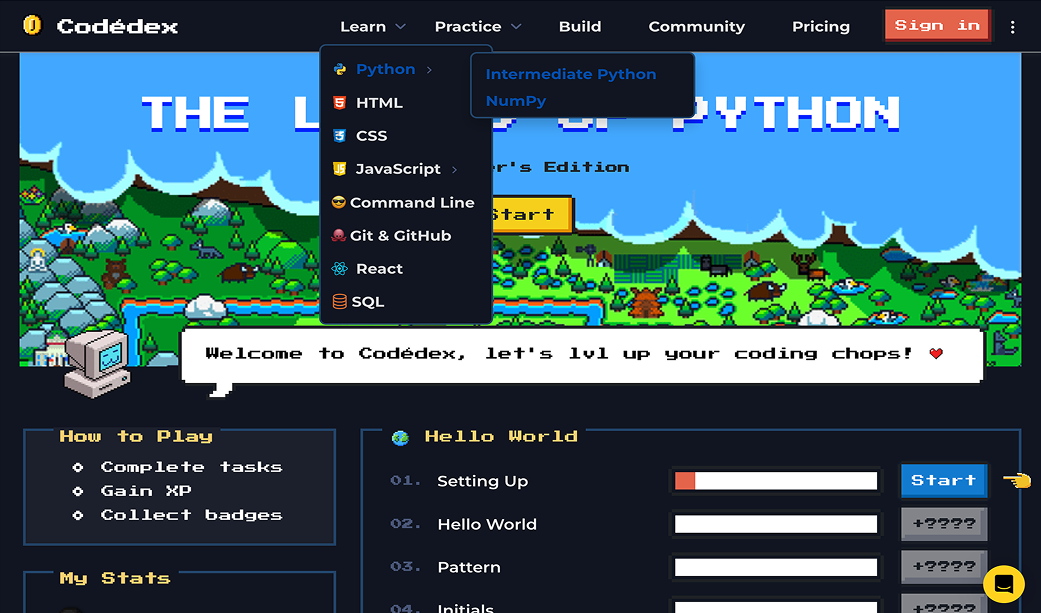
- Navigation problems: Courses were buried in confusing, nested dropdown menus. Within a course, it wasn't always intuitive how to progress forward.
- Inconsistent art styles: Pixel artwork was sourced from many places, with no unified art direction
- Lack of critical features: There was no way to check if your code was correct, due to how hard it was scale manually written test cases
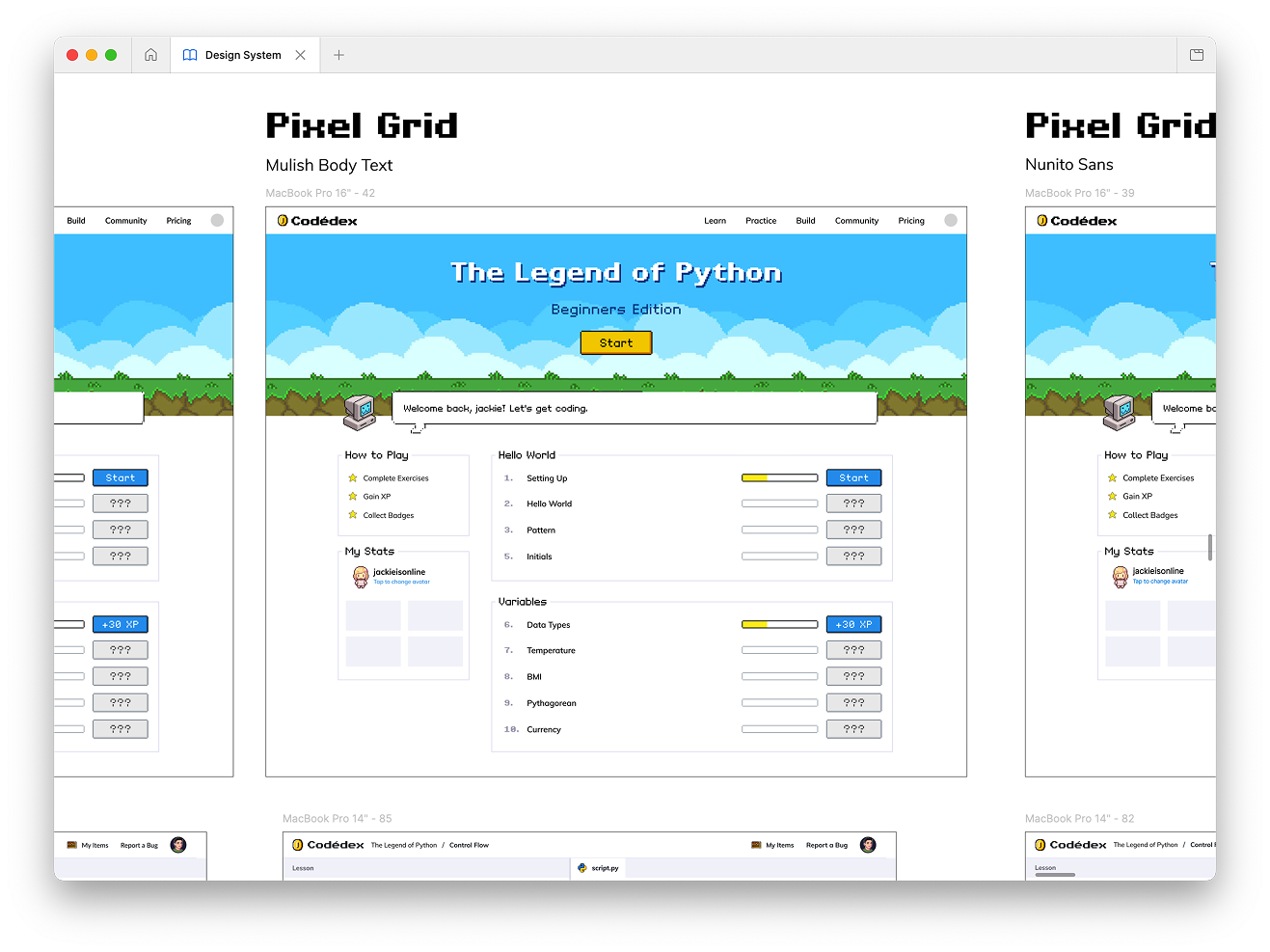
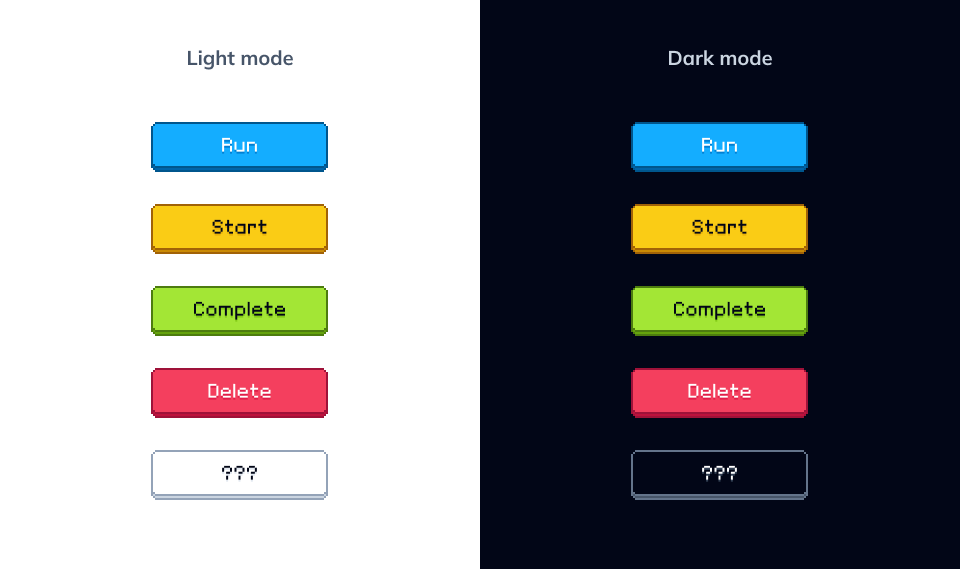
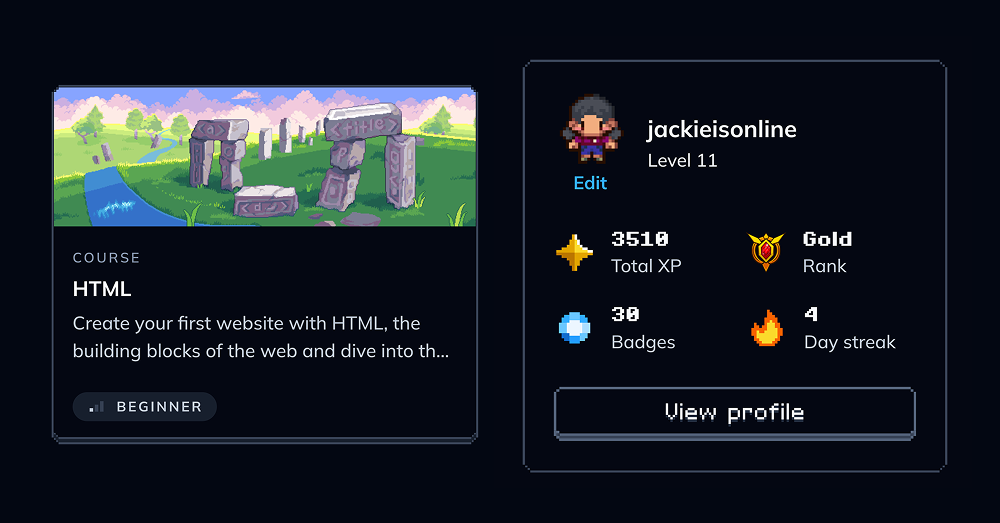
Creating a bespoke, pixel art inspired design system
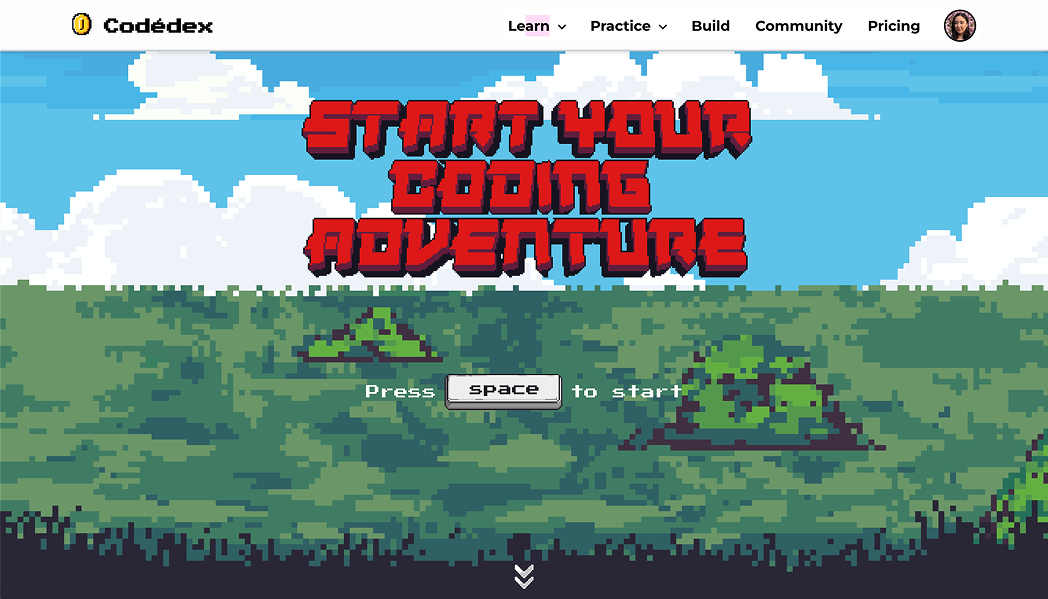
My first contribution was Codédex's first design system. The goal was to nip our design debt in the bud, ship faster, and create a base for a playful design language that compliments high-quality learning, rather than competes with it.
This foundational work reduced design-related bug reports, eliminated accessibility issues related to Light/Dark modes, and now lets our 2 engineers ship small features with minimal design review.
Plus, Codédex's gamified look-and-feel is frequently cited in rave reviews from learners on Product Hunt and Trustpilot!
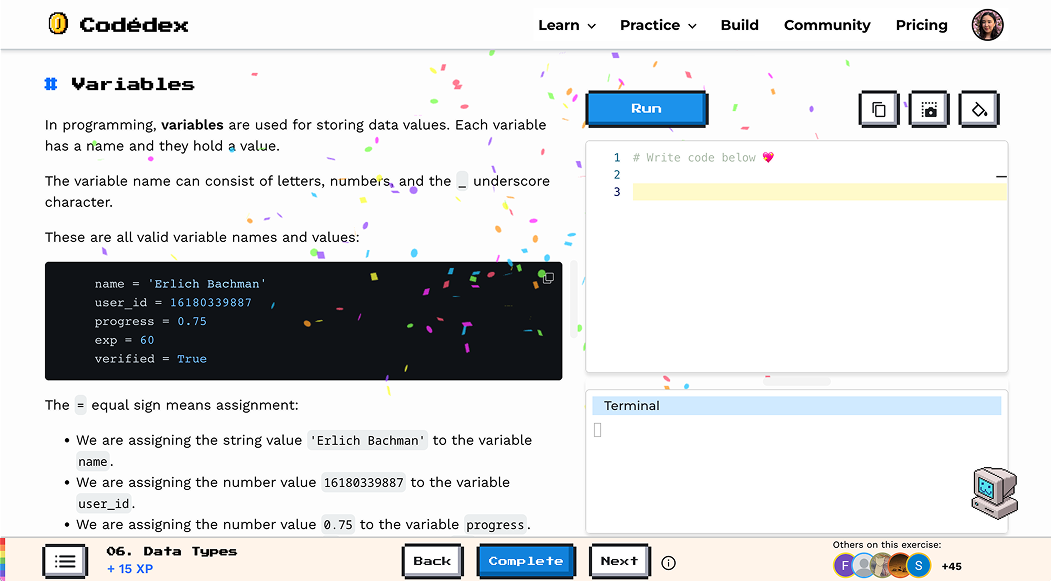
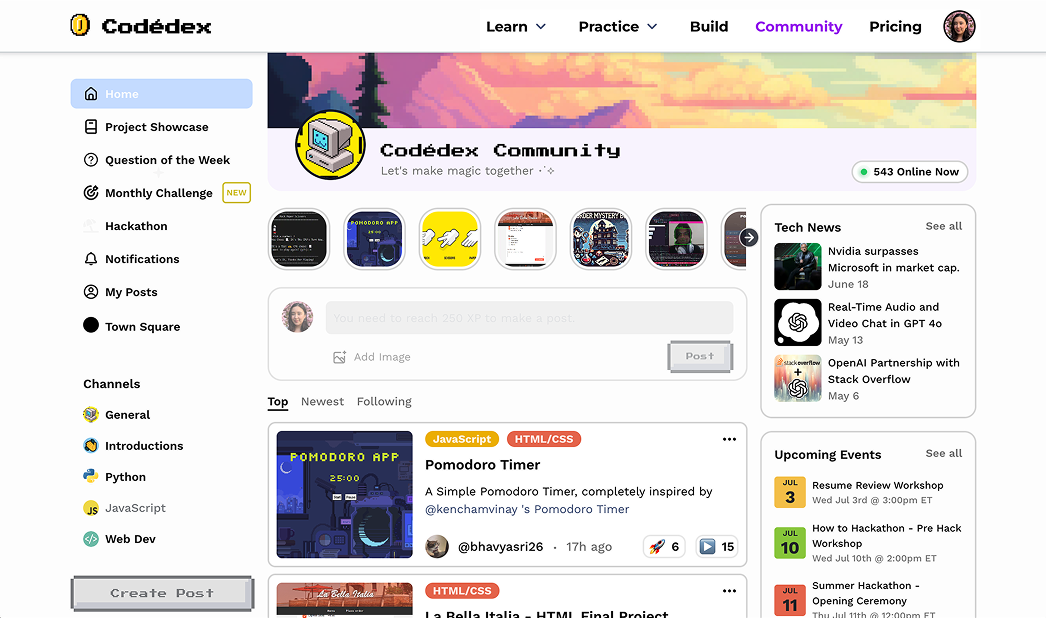
Building flexible containers for learning content
Interactive coding courses are our bread and butter, and high-quality learning experiences are what drive paid-user retention for Club subscriptions.
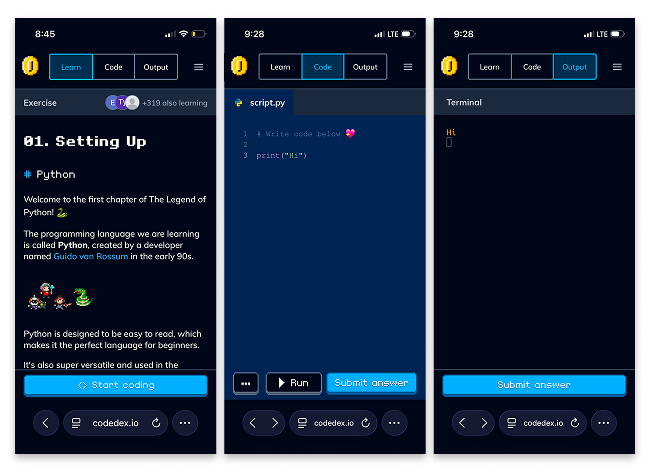
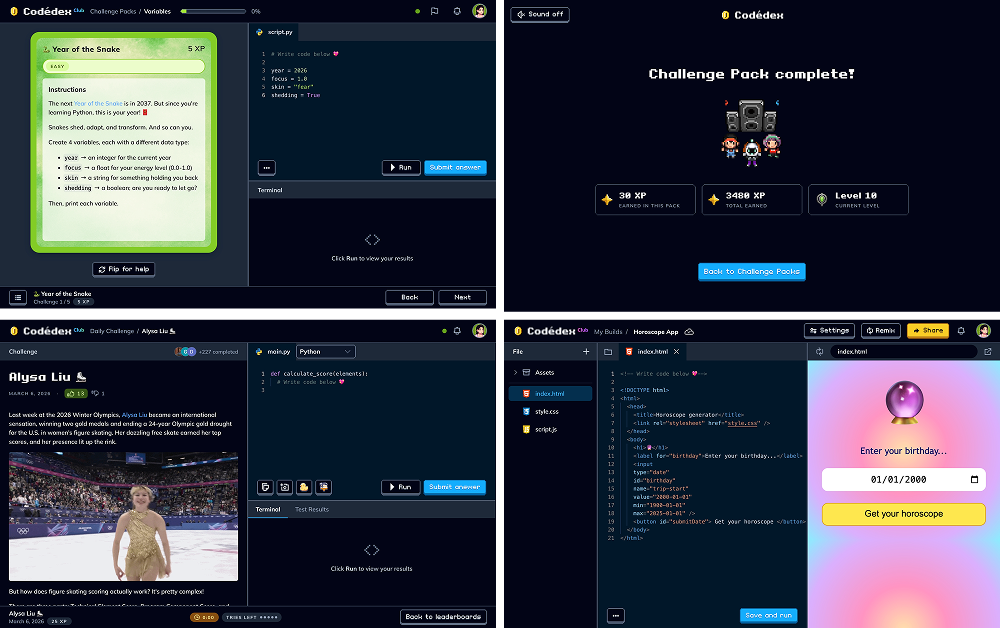
My job was to make the core learning experience to be as easy-to-use (and fun!) as possible–while enabling curriculum developers to rapidly release new content.
Over several phases, I standardized design patterns across the course experience to prioritize simple and clear navigation, modular components, mobile-friendliness, and learner motivation–all while cutting development time.
This work has scaled our course library from 17 to 26 in two years, and gave us flexible building blocks for rapid feature experimentation.
Leveraging AI for personalized, contextual code feedback
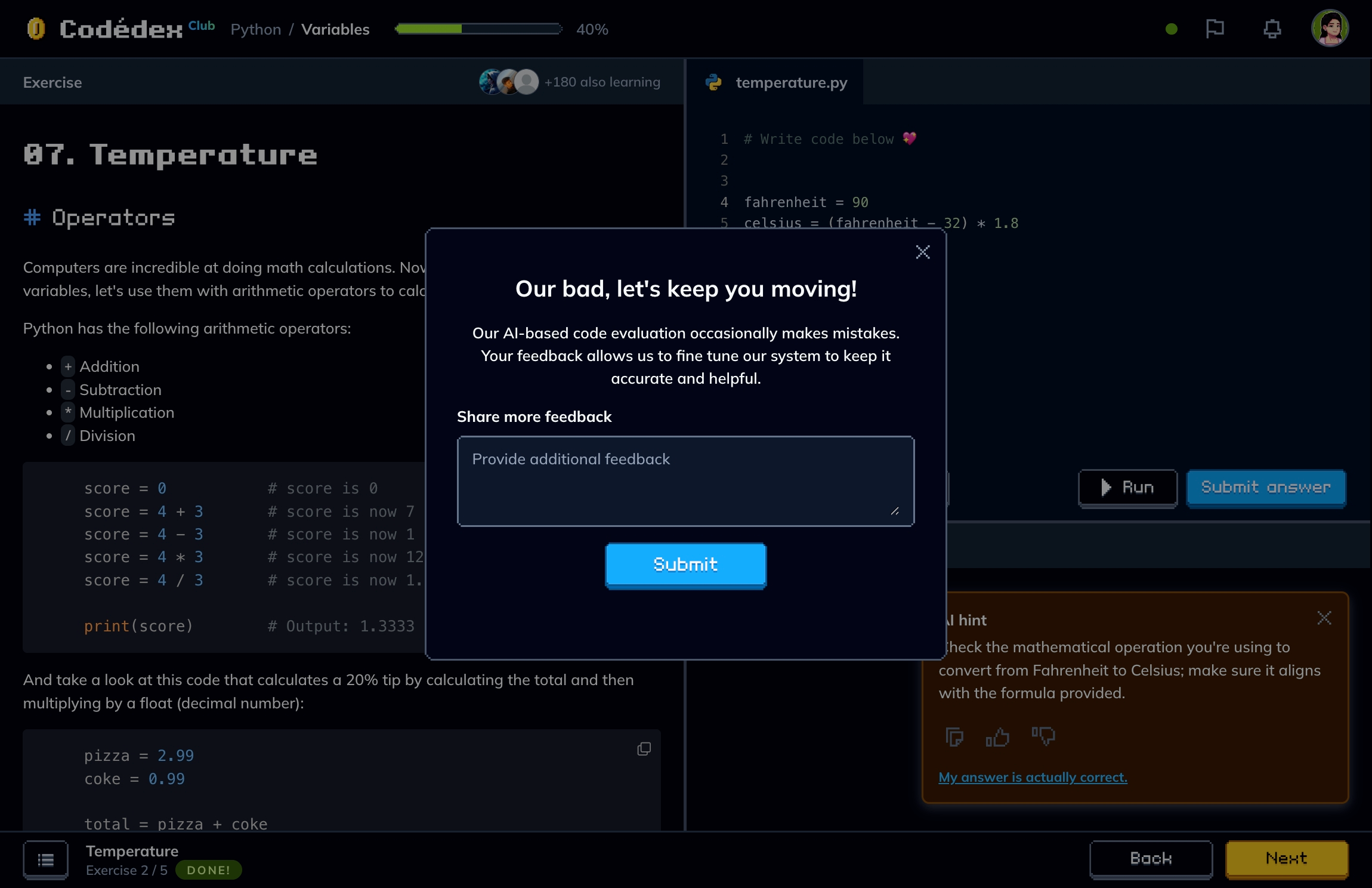
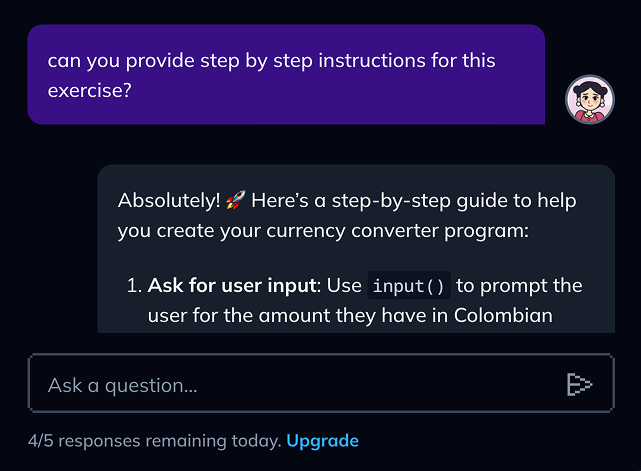
As a small, resource-conscious team, we have experimented a lot with AI features. One of our most successful applications focused on addressing two recurring pain points from user interviews and bug reports: no way to check answers, and no real-time help when stuck.
In 2025, I scoped and designed an embedded LLM-powered system that reads the lesson context and the learner's code to evaluate correctness—integrated with an AI companion offering hints, feedback, and step-by-step guidance in a chat interface.
Since beta-testing this feature in spring 2025, we've rolled it out to 10+ courses and dramatically cut dropoff and bug reports tied to answer-checking and lesson help.
Worldbuilding through art and storytelling
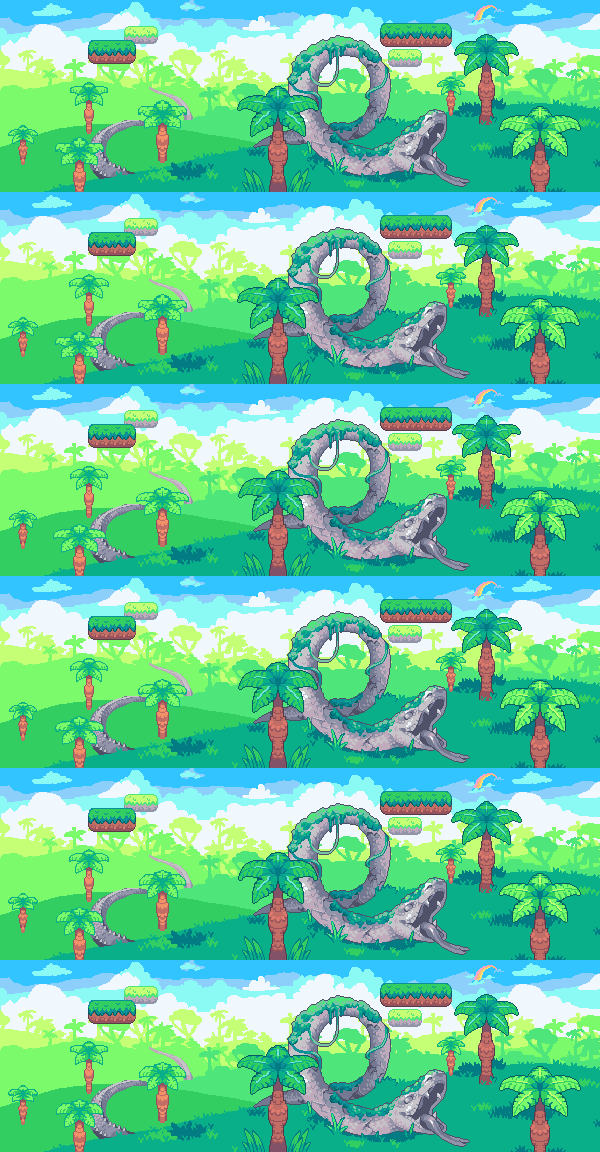
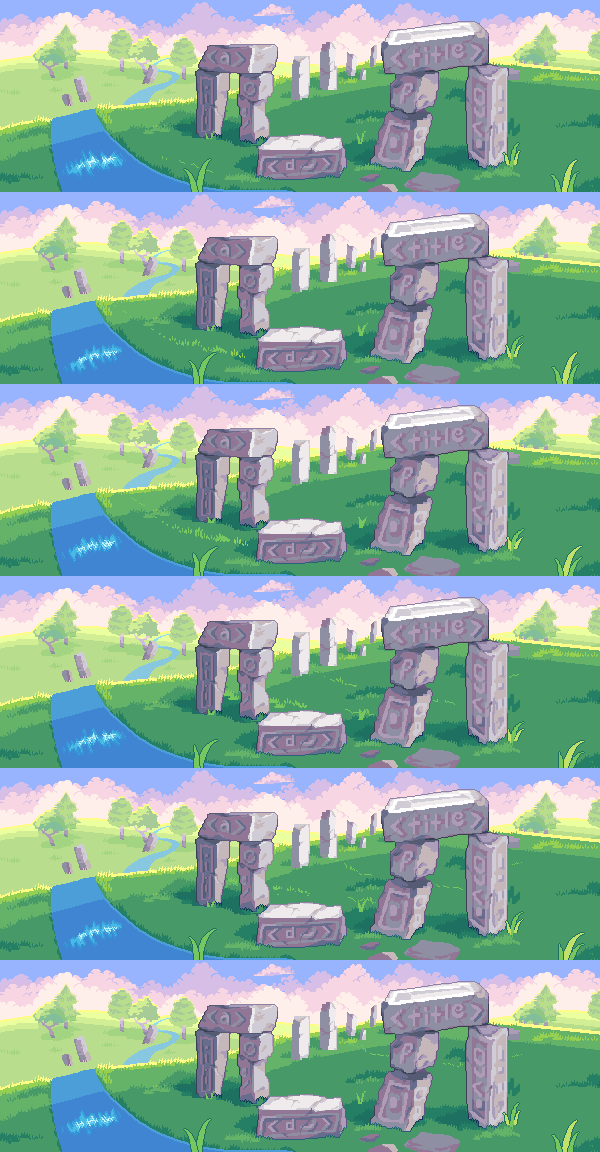
We think of gamification beyond just XP, streaks, and badges. Inspired by fantasy role-playing games, we want learners to feel like they're stepping into an immersive, open world full of new adventures and exciting challenges.
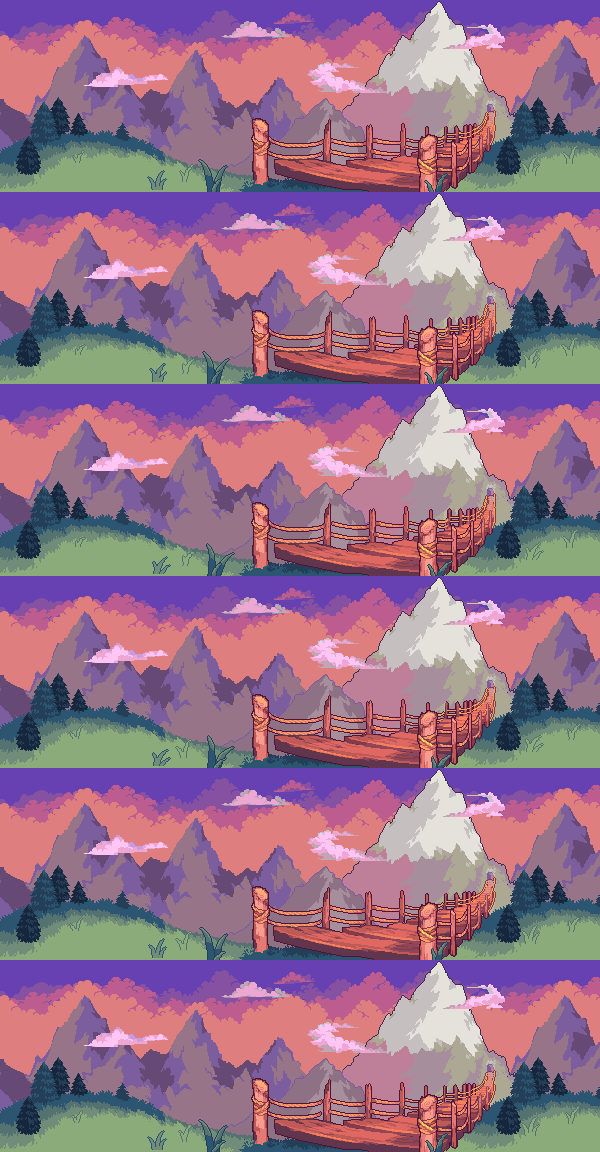
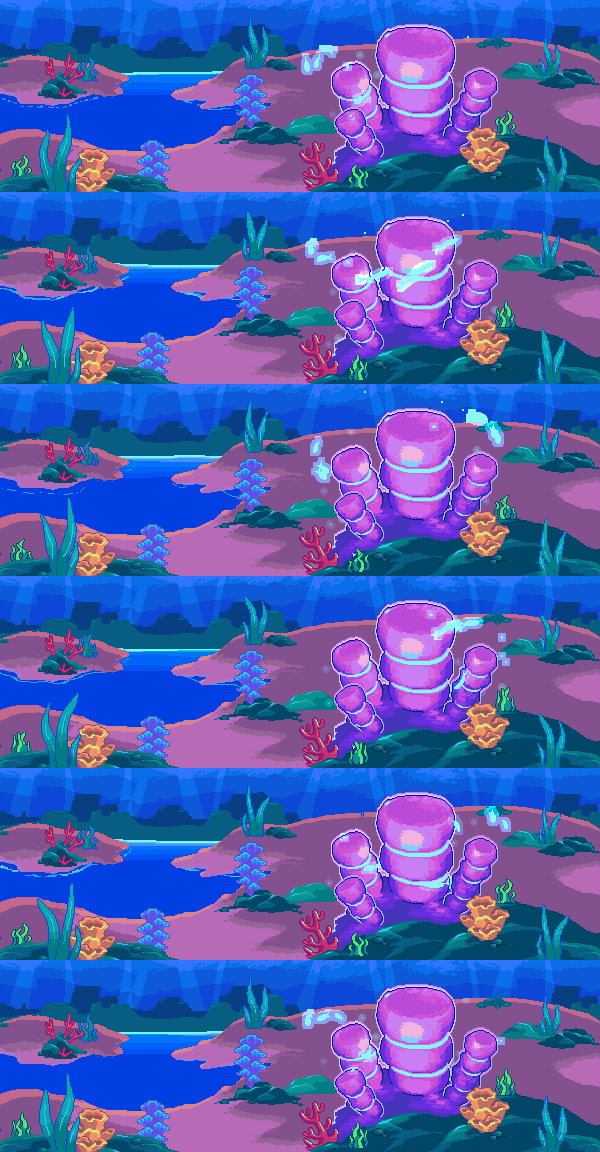
Playing the role of an art director, I've unified our artwork into a cohesive vision. I created moodboards, led team brainstorming workshops to draft an internal "Story Bible", and directed contract artists to bring the world of Codédex to life.
Creating a product heavy in pixel art comes with unique challenges—especially in art of restraint. While I reserve pixel art for smaller flourishes within in-product flows, I dial it up for high-touch marketing surfaces where telling the story about Codédex matters the most.

Thank you for coming along this adventure!
I couldn't have done this without my incredible teammates, our founder/CEO Sonny, and our community of learners.
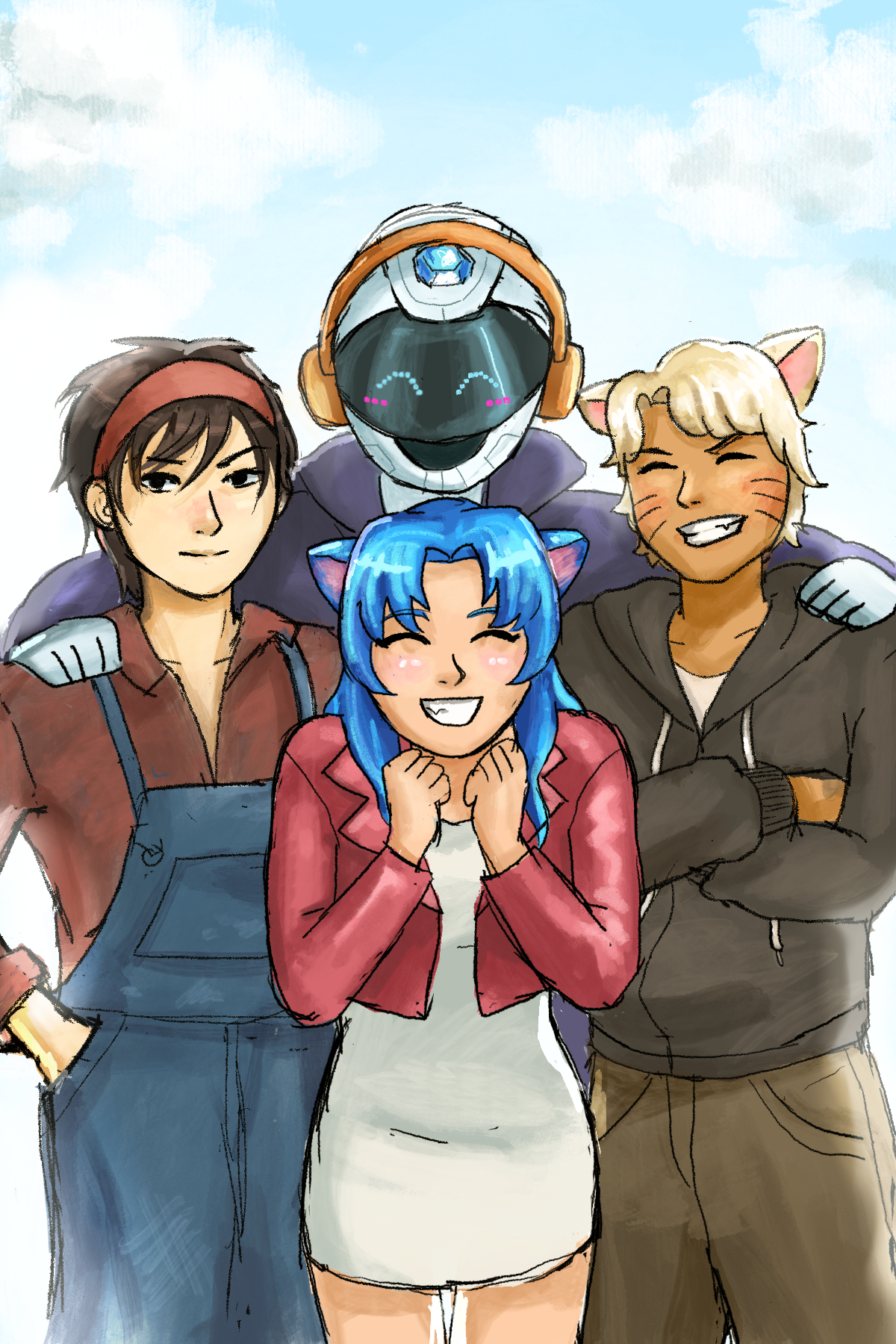
To close out, here's some Codédex fanart I drew for one of our community Monthly Challenges. Can you guess which anime I used as a reference? Hint: it's a shounen!
See more projects